
Choosing a WordPress theme is not just about design. It is a technical decision that directly affects your traffic, rankings, and revenue.
Many bloggers spend weeks writing content and building backlinks. Yet they ignore one core factor: performance. A slow website struggles to rank. A poorly structured theme limits search visibility. Over time, growth becomes harder.
If you want long-term success, you must choose the best WordPress theme for speed and SEO from the beginning.
This guide will walk you through the exact factors that matter in 2026 and beyond.
Why Speed and SEO Start With Your Theme
Your theme controls:
- How fast your pages load
- How clean your HTML structure is
- How search engines crawl your content
- How users interact with your site
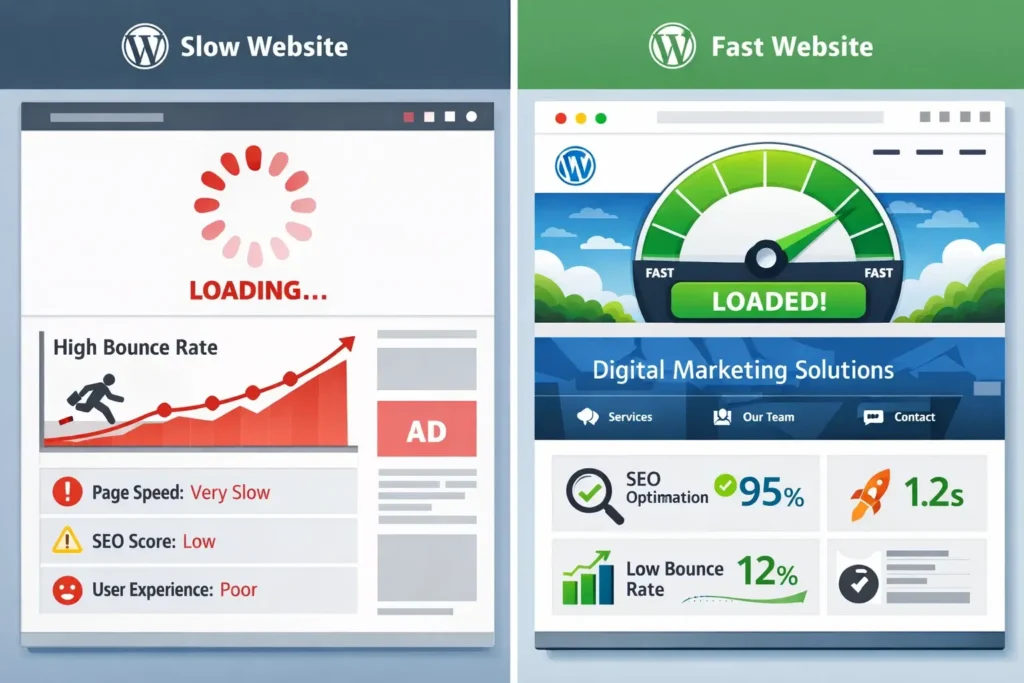
Even the best content cannot compensate for technical weaknesses. A slow theme increases bounce rate. A cluttered layout confuses readers. Poor code structure blocks search engines.
That is why a fast loading WordPress theme for SEO is not optional. It is foundational.
Step 1: Look for a Lightweight Core Structure
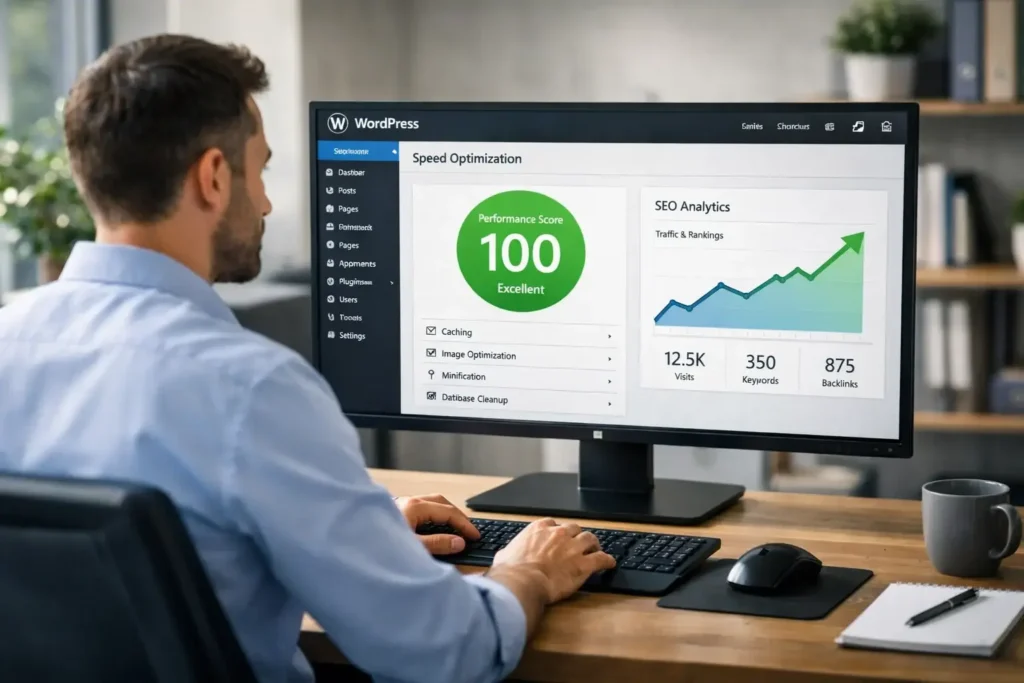
The first rule is simple. Choose a lightweight WordPress theme for fast website performance.
A lightweight theme:
- Loads minimal CSS
- Avoids heavy JavaScript
- Reduces HTTP requests
- Keeps base file size small
Heavy multipurpose themes often include dozens of features you will never use. Sliders, animations, complex builders, and bundled plugins all add weight.
That weight slows your site.
A lightweight foundation gives you flexibility without sacrificing speed.
Step 2: Check Real Speed Performance
Do not rely on marketing claims. Many themes claim to be “fast” without proof.
Install the theme on a test site. Run performance tests. Compare:
- Page load time
- Total page size
- Number of requests
This is where a proper WordPress theme speed comparison helps.
When comparing themes, look for:
- Fast Largest Contentful Paint
- Stable layout
- Minimal render-blocking scripts
The fastest WordPress theme 2026 will not be the flashiest one. It will be the cleanest and most efficient.
Step 3: Ensure Strong SEO Structure
A true SEO optimized WordPress theme supports search engines naturally.
Check for:
- Clean heading hierarchy
- Proper HTML5 structure
- Built-in schema support
- Breadcrumb compatibility
- Easy meta integration
SEO is not just plugins. Your theme must provide a strong structural foundation.
If search engines cannot easily understand your page layout, rankings suffer.
Step 4: Mobile Optimization Is Mandatory
More than half of web traffic comes from mobile devices. If your theme fails on mobile, your rankings will struggle.
A good mobile friendly SEO WordPress theme must:
- Load quickly on slower networks
- Avoid layout shifting
- Use readable fonts
- Keep navigation simple
Test the mobile experience carefully. Scroll through long articles. Check if buttons respond instantly. Make sure the layout stays stable.
Mobile speed influences user satisfaction and ranking stability.

Step 5: Core Web Vitals Compatibility
Google now evaluates websites based on real user experience metrics.
Your WordPress theme for Core Web Vitals should help you achieve:
- Fast Largest Contentful Paint
- Low First Input Delay
- Stable Cumulative Layout Shift
A theme that injects unnecessary scripts or loads large images above the fold will struggle here.
Core Web Vitals are not temporary metrics. They are part of long-term ranking factors.
If you ignore them, competitors will outperform you.
Step 6: Evaluate Theme Performance Optimization Options
The best themes support easy WordPress theme performance optimization.
Look for themes that:
- Allow disabling unused features
- Avoid hard-coded design elements
- Work smoothly with caching plugins
- Support CDN integration
A flexible structure makes optimization easier.
You should not fight your theme every time you try to improve speed.
Step 7: Avoid Feature Overload
Many beginners choose themes because they look impressive in demos.
Large homepage sliders. Animated sections. Complex grids. Parallax effects.
These elements look attractive but often damage performance.
The best WordPress theme for speed and SEO focuses on clarity and readability.
A clean design builds trust. It loads faster. It converts better.
Step 8: Think About Google Ranking Long Term
If your goal is traffic growth, you need the best theme for Google ranking.
Ranking depends on:
- Technical performance
- User engagement
- Site structure
- Mobile experience
A fast theme improves all of these factors.
When users stay longer and browse more pages, engagement signals improve. Search engines reward that behavior.
Your theme influences these signals directly.
Real Scenario: Two Bloggers, Different Results
Imagine two bloggers entering the same niche.
Both write high-quality content. Both build backlinks. Both publish consistently.
Blogger A uses a heavy theme:
- 4-second load time
- Large page size
- Slow mobile performance
Blogger B uses a lightweight theme:
- 1.8-second load time
- Clean structure
- Stable layout
Over six months, Blogger B sees steady ranking improvement.
Blogger A experiences slow growth and occasional drops.
The difference is technical foundation.
Common Mistakes When Choosing a Theme
Many website owners repeat the same errors:
- Choosing based only on design
- Ignoring speed tests
- Installing unnecessary bundled plugins
- Using bloated page builders
- Not testing mobile experience
Avoid these mistakes early.
Switching themes later can be time-consuming and risky.
Premium vs Free Themes
Free themes can be good if they are lightweight and well-coded.
Premium themes may offer better support and updates.
The real question is not price. It is structure and performance.
A free theme with clean code can outperform a heavy premium one.
Focus on efficiency, not branding.
How to Test Before Finalizing
Before committing, follow this checklist:
- Install on staging site
- Publish sample content
- Add images
- Run speed tests
- Test mobile responsiveness
- Check Core Web Vitals
- Review HTML structure
Compare at least three themes.
Data should guide your decision.
The Relationship Between Speed and Revenue
If you run:
- Affiliate websites
- Ad-based blogs
- Service sites
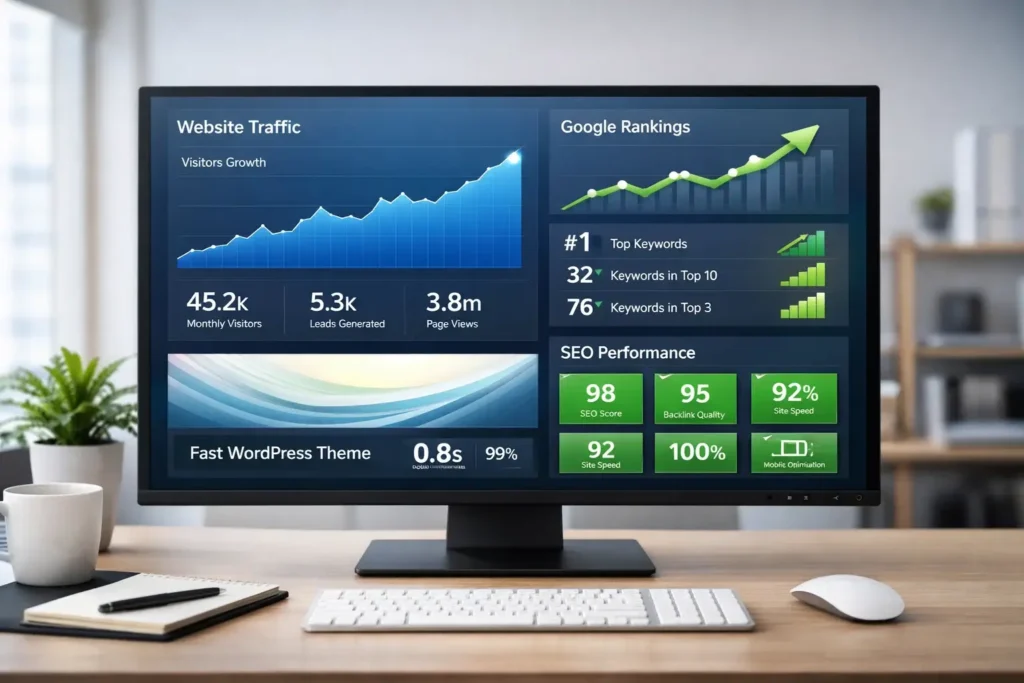
Speed directly affects revenue.
Faster websites:
- Increase click-through rate
- Improve conversion rate
- Reduce bounce rate
- Increase time on site
A fast loading WordPress theme for SEO supports both traffic growth and monetization.
Building for 2026 and Beyond
Search engines continue to prioritize performance.
Users expect instant loading.
Competition increases daily.
Choosing the best WordPress theme for speed and SEO prepares you for:
- Algorithm changes
- Traffic spikes
- Scaling content
- Expanding categories
It gives you stability.
Final Thoughts
Your WordPress theme is more than design. It is infrastructure.
A lightweight, clean, and optimized theme provides:
- Faster load times
- Better Core Web Vitals
- Stronger SEO structure
- Improved engagement
- Higher ranking potential
When selecting a theme, prioritize:
- Speed
- Clean code
- Mobile optimization
- SEO compatibility
- Performance flexibility
Do not choose based on appearance alone.
Choose based on performance.
A well-chosen SEO optimized WordPress theme becomes the foundation of your growth.
Build on speed.
Optimize for search.
Design for users.
That is how you achieve real SEO success in 2026.
