
Most bloggers obsess over keywords, backlinks, and content calendars. Very few think deeply about their theme.
Yet your WordPress theme quietly controls your speed, structure, crawlability, and user experience. It influences how long readers stay, how search engines understand your pages, and how well your site converts.
If you choose the wrong theme, growth becomes harder than it should be.
This guide will show you how smart bloggers choose a fast and SEO-friendly WordPress theme that supports long-term traffic and revenue.
Why Your Theme Is More Than Design
A theme is not just colors and fonts.
It controls:
- Page loading speed
- HTML structure
- Mobile responsiveness
- Script loading behavior
- Layout stability
- Schema compatibility
Search engines analyze technical performance. Users respond to usability. Your theme affects both.
A slow or bloated theme increases bounce rate. A poorly structured theme limits indexing efficiency. Over time, traffic growth stalls.
That is why theme selection is a strategic decision.
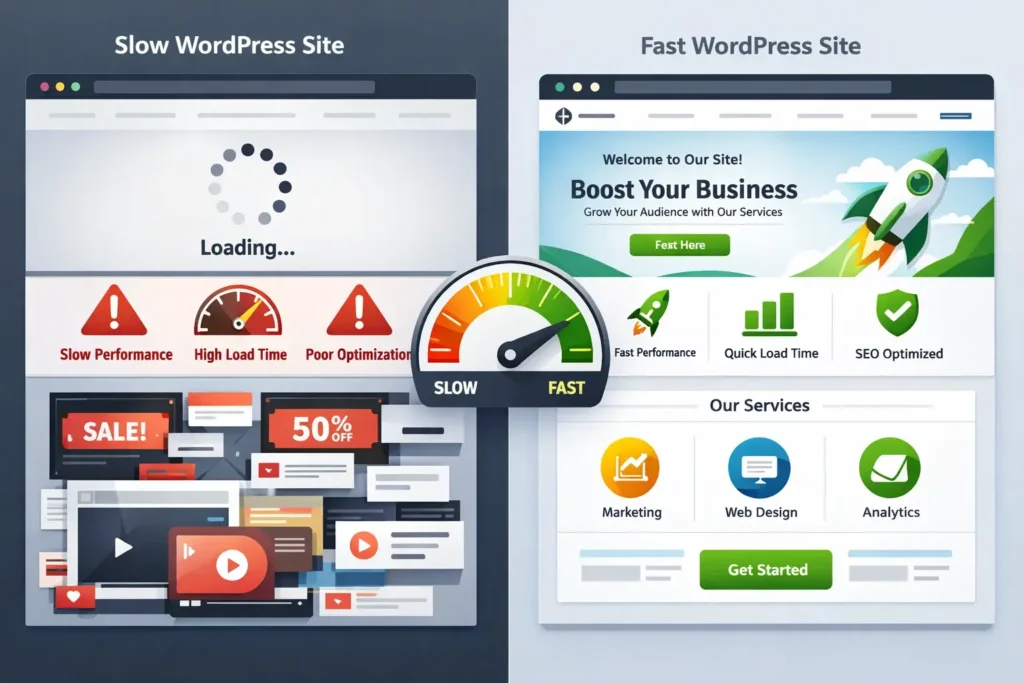
What Smart Bloggers Do Differently
Average bloggers choose themes based on appearance.
Smart bloggers evaluate performance first.
They ask:
- How fast does it load without optimization?
- How clean is the code structure?
- Does it support technical SEO best practices?
- Can it scale with traffic growth?
They understand that a high-performance WordPress theme gives them an edge before they publish a single article.
Step 1: Start With Speed as the Priority
Speed influences everything.
A fast site:
- Reduces bounce rate
- Increases dwell time
- Improves conversion rates
- Strengthens search visibility
A slow site does the opposite.
When evaluating themes, look for:
- Minimal CSS and JavaScript
- No heavy built-in animations
- Clean framework
- Limited dependencies
A speed optimized blog theme does not try to do everything. It focuses on efficiency.
Step 2: Evaluate Code Structure and Clean Framework
Search engines rely on structure.
A technically sound theme will:
- Use proper heading hierarchy
- Avoid duplicate structural elements
- Support semantic HTML
- Maintain logical content flow
A WordPress theme with clean code structure makes it easier for search engines to understand your content.
This improves crawlability and indexing speed.
Technical strength builds ranking stability.
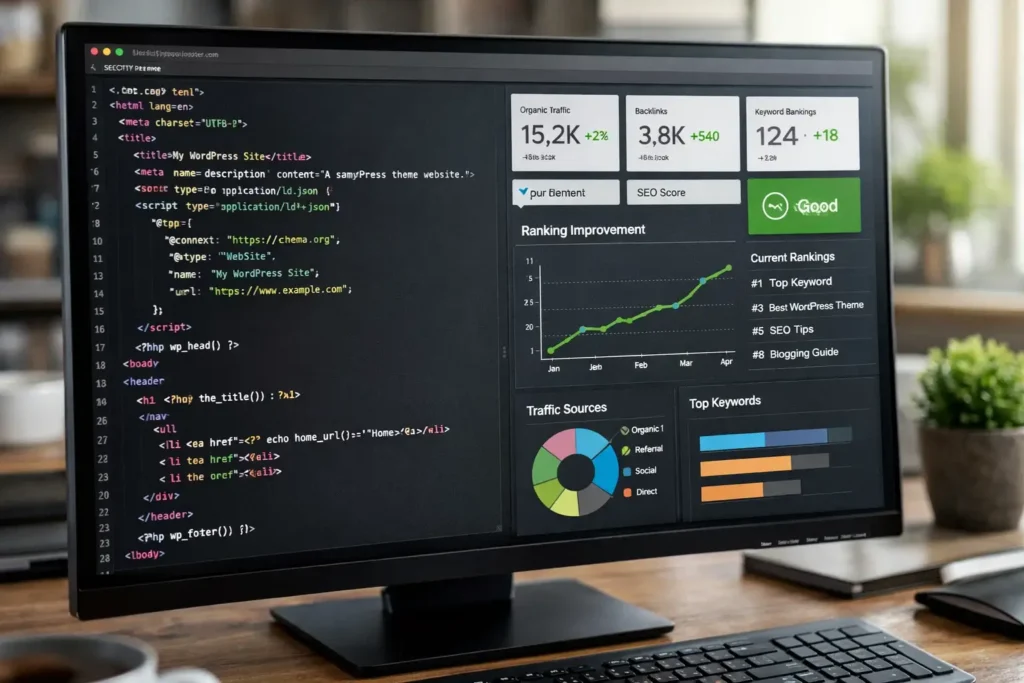
Step 3: Test Real Performance, Not Marketing Claims
Every theme claims to be fast.
Smart bloggers test before committing.
Install the theme on a staging site. Publish sample content. Add images.
Then evaluate:
- Page load time
- Total page weight
- Number of HTTP requests
- Mobile performance
A true WordPress theme with fastest load time will show consistent results even before heavy optimization.
Data matters more than demo design.
Step 4: Ensure Mobile-First Optimization
Most traffic comes from mobile.
Your theme must:
- Load quickly on slower networks
- Maintain stable layout
- Use readable font sizes
- Keep navigation simple
A mobile friendly SEO WordPress theme improves user satisfaction and ranking stability.
If the mobile experience feels slow or unstable, visitors leave.
Search engines notice.
Step 5: Focus on User Experience and Engagement
Speed is important, but user experience matters too.
Smart bloggers look for themes that:
- Present content clearly
- Avoid clutter
- Highlight key sections
- Support internal linking visibility
A conversion focused WordPress theme balances readability and structure.
When users stay longer and explore more pages, engagement signals improve.
Engagement influences ranking indirectly.

Step 6: Consider Scalability
Your blog may be small today.
It may not be small tomorrow.
As traffic grows, your theme must handle:
- More categories
- More posts
- Higher image volume
- Increased ad placements
A performance driven WordPress design scales better because it starts lightweight.
Heavy themes slow dramatically as content increases.
Lightweight frameworks maintain stability.
Step 7: Think About Technical SEO Compatibility
A theme should support:
- Schema markup
- Breadcrumb navigation
- Clean URL structure
- Fast pagination
- Optimized archive pages
Technical SEO WordPress theme compatibility reduces friction.
It ensures that your content is easy to crawl and index.
Good structure supports organic growth.
Step 8: Avoid Feature Overload
Many themes advertise dozens of built-in features.
Smart bloggers ask a different question:
Do I actually need this?
Sliders, advanced animations, custom widgets, and heavy page builders increase page weight.
The best premium WordPress theme for bloggers is often the one with fewer unnecessary features.
Simplicity wins in performance.
Step 9: Evaluate Script Loading Control
Modern performance optimization includes script management.
Your theme should:
- Avoid loading scripts site-wide unnecessarily
- Support conditional loading
- Work smoothly with caching plugins
- Integrate with content delivery networks
WordPress theme script loading control improves speed significantly.
You should not fight your theme every time you try to optimize.
Step 10: Prioritize Long-Term Growth Over Trends
Design trends change.
Speed standards become stricter.
Search engines refine algorithms.
Choose a theme framework built for long-term stability.
An optimized WordPress framework for bloggers should:
- Receive regular updates
- Follow WordPress coding standards
- Stay compatible with performance tools
- Maintain lightweight architecture
This protects your investment.
Real-World Scenario
Consider two bloggers entering the same niche.
Both publish quality content consistently.
Blogger A selects a flashy multipurpose theme.
Blogger B selects a secure and fast WordPress theme with clean architecture.
After six months:
Blogger B sees:
- Faster indexing
- Lower bounce rate
- Higher session duration
- Better ranking consistency
Blogger A struggles with performance optimization and slower growth.
The difference is foundation.
Common Mistakes Bloggers Make
- Choosing based on demo homepage
- Ignoring mobile performance tests
- Installing too many plugins
- Using heavy visual builders unnecessarily
- Not comparing theme frameworks
These mistakes slow progress.
Correct theme selection accelerates it.
How to Audit a Theme Before Buying
Before purchasing, perform a checklist:
- Install demo content
- Test speed without optimization
- Check HTML structure
- Review update history
- Evaluate support quality
- Test on mobile devices
A proper WordPress theme technical audit checklist prevents costly mistakes.
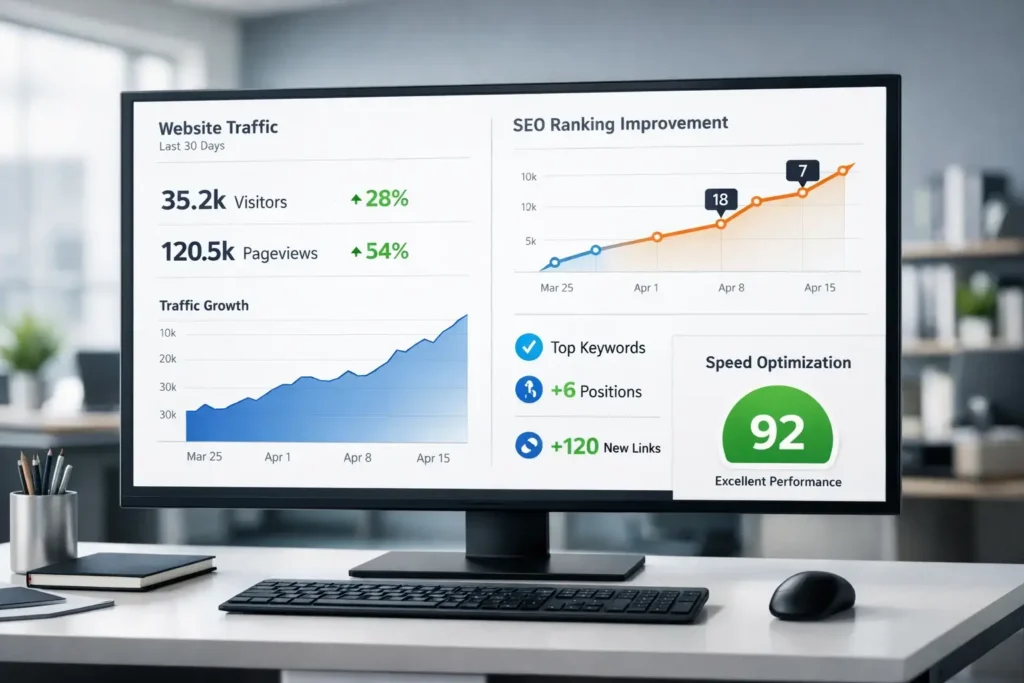
The Relationship Between Speed and Revenue
If you monetize your blog, performance affects income.
A fast website:
- Improves ad viewability
- Increases affiliate clicks
- Boosts conversion rates
- Enhances credibility
A slow site reduces trust and revenue.
Theme choice influences profitability directly.
Balancing Design and Performance
You do not need to sacrifice aesthetics for speed.
Modern high performance WordPress themes provide:
- Clean typography
- Balanced spacing
- Professional layout
- Fast loading structure
Minimal design often converts better than complex designs.
Users value clarity.
Preparing for 2026 and Beyond
Competition continues to increase.
Readers expect instant loading.
Search engines prioritize user experience.
Choosing a speed optimized blog theme positions you for:
- Algorithm updates
- Traffic spikes
- Scaling content
- Expanding monetization
Performance is no longer optional.
It is strategic.
Final Thoughts
Smart bloggers treat their WordPress theme as infrastructure, not decoration.
The right theme:
- Loads fast
- Supports technical SEO
- Scales smoothly
- Enhances user experience
- Improves ranking potential
When selecting your theme, prioritize:
- Lightweight structure
- Clean code
- Mobile responsiveness
- Script efficiency
- Long-term stability
Avoid flashy distractions.
Focus on performance.
Build your blog on a strong technical foundation.
Speed supports visibility.
Visibility supports growth.
Growth supports revenue.
Choose wisely, and your theme will quietly power your success for years to come.